
Insights
Articles
24 June 2026
8 min read
What Is Workflow Automation? (And Why Most Businesses Are Doing It Wrong)
Praise Ohans
Author
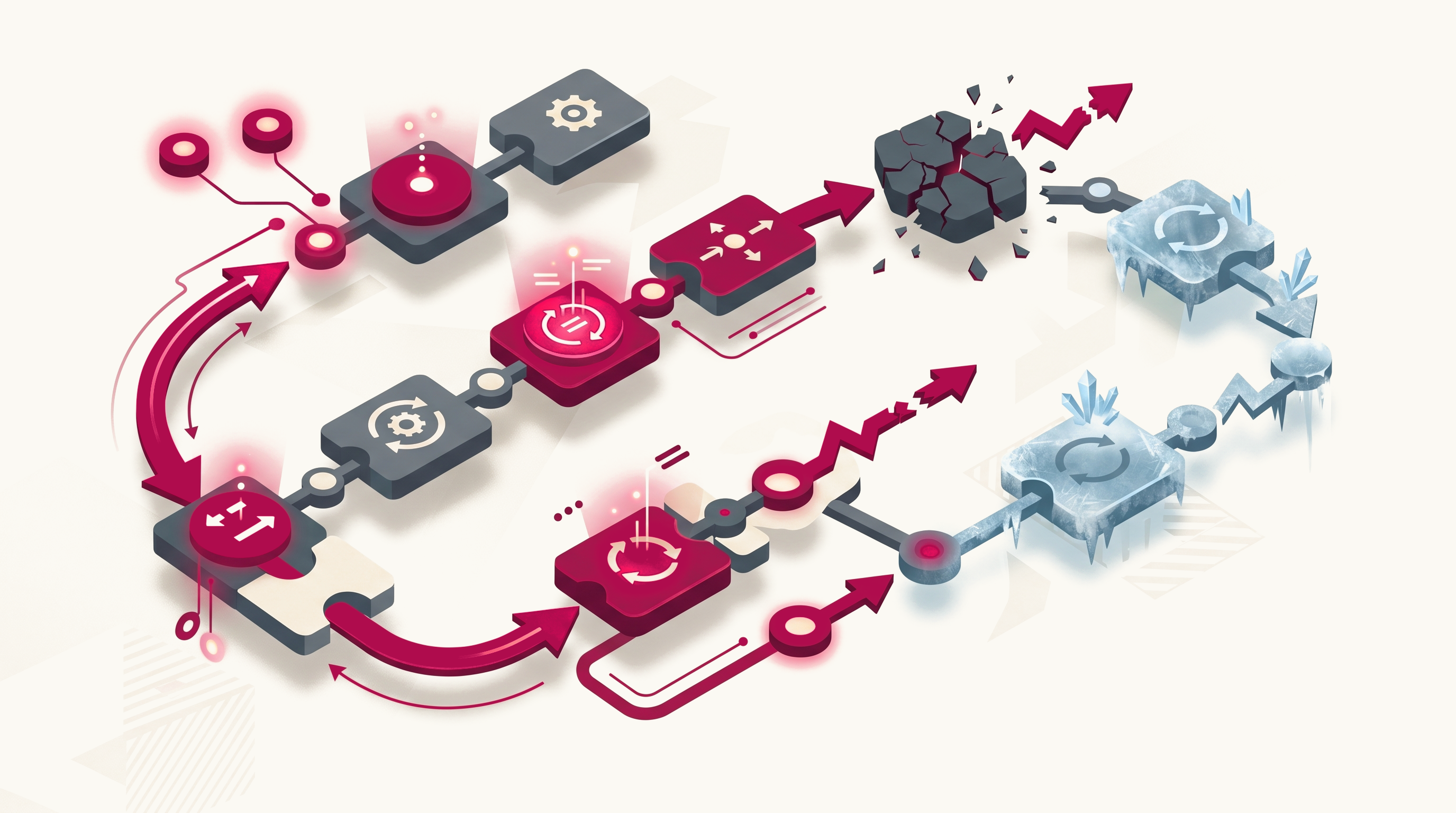
Every business owner keeps getting told to automate their processes to save time, cut costs, and scale faster. At this point, it seems as though everywhere you look, workflow automation is positioned as the solution to operational inefficiency. And to be fair, they're not wrong. When implemented correctly, workflow automation can eliminate repetitive work, thereby freeing employees to focus on work that requires human judgment.
The problem is that most businesses never experience these outcomes. Instead, they invest in new tools, build automated workflows, connect systems, and then wonder why processes still feel slow. It is easy to blame the technology, which is rarely the problem. Most workflow automation initiatives struggle because businesses automate without fully understanding the process they're trying to improve. They automate unnecessary steps and then act surprised when the results fall short. This article breaks down what workflow automation is, how it works, why so many automation projects fail, and what successful businesses do differently when implementing it.
If you're considering automating processes in your organization or wondering whether your current automation efforts are delivering the results they should, this is a good start.
What Is Workflow Automation?
Workflow automation is the use of technology to automatically execute repetitive tasks, actions, and business processes based on predefined rules and conditions.
In simple terms, workflow automation removes manual intervention from routine activities by allowing systems to perform tasks automatically when specific triggers occur. It goes by a few different names: business process automation (BPA), robotic process automation (RPA), and intelligent automation. The labels change depending on complexity and how much AI is involved. The core idea stays the same, which is to reduce the human effort required to keep routine operations moving.
Rather than relying on employees to remember every step of a process, automated workflows ensure tasks move from one stage to the next without delays or unnecessary manual effort.
A simple example is a customer submitting a form on your website. Instead of someone manually reviewing the submission, sending a confirmation email, creating a task for the sales team, and updating a spreadsheet, workflow automation can handle all of those actions automatically within seconds.
How Workflow Automation Works
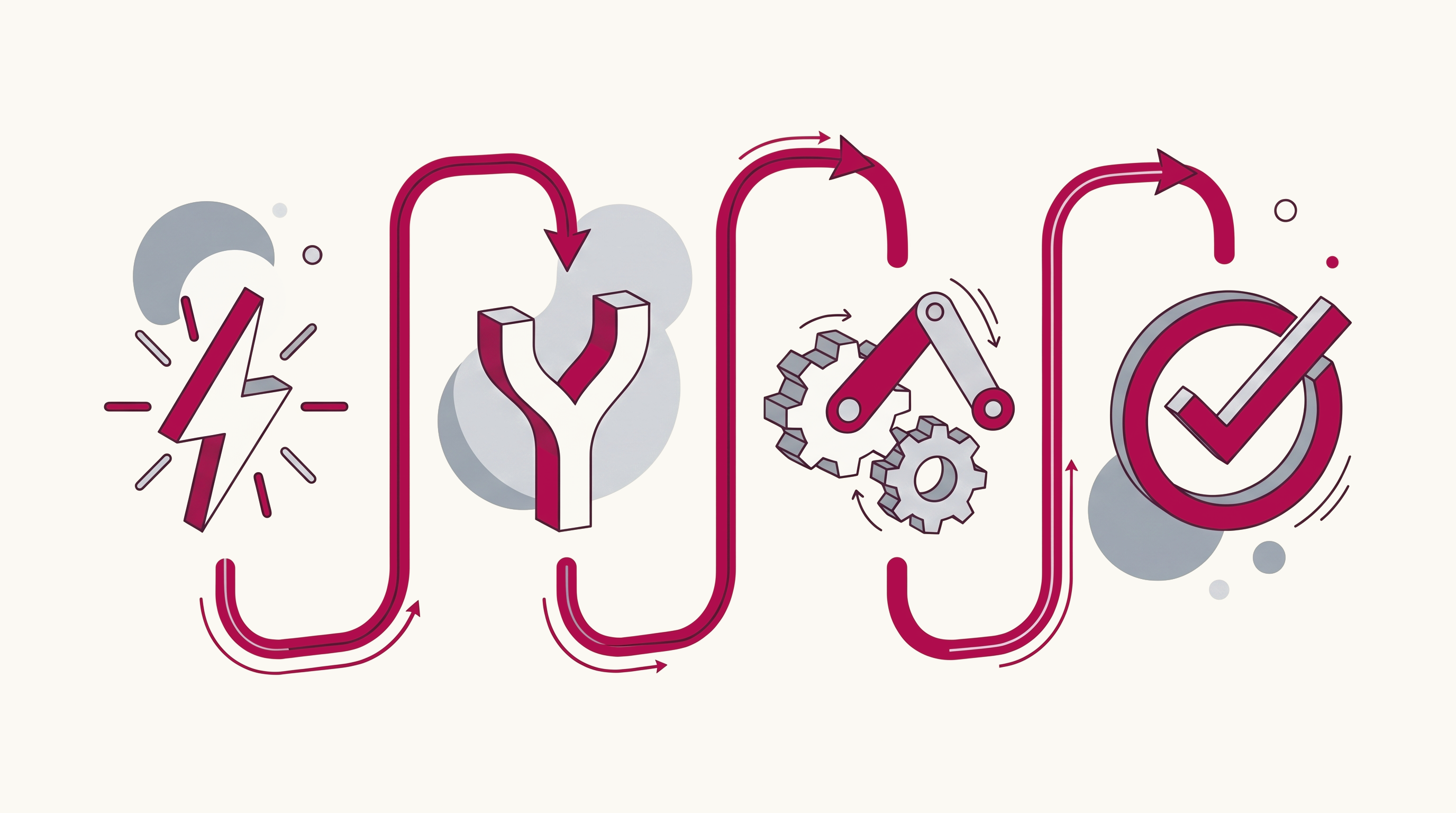
One reason workflow automation often feels confusing is that vendors tend to focus on software features instead of explaining the underlying process. The reality is that most automated workflows follow a surprisingly simple structure.
Every workflow automation system is built around four core components:
Trigger → Condition → Action → Outcome
1. Trigger
A trigger is the event that starts the workflow. This could be:
- A customer submitting a form
- A new lead entering a CRM
- An invoice being uploaded
- A contract being approved
- A support ticket being created
Without a trigger, the workflow never begins. It is the starting gun for a sequence of automated actions.
2. Condition
Conditions determine whether specific actions should occur. For example:
- If the deal value exceeds $10,000, notify a manager.
- If the customer selects “Enterprise Plan”, assign the account to a senior representative.
- If payment is overdue by more than 30 days, escalate the issue.
3. Action
Actions are tasks performed automatically once conditions are met. Examples include:
- Sending emails
- Creating tasks
- Updating records
- Generating reports
- Assigning approvals
- Moving data between systems
- Sending notifications
This is the point where manual work begins to get eliminated.
4. Outcome
The outcome is the result produced by the workflow. Ideally, the process is completed faster, with fewer errors, greater consistency, and less human effort than before. For example, when a prospect fills out a contact form.
- Trigger: Form submission received.
- Condition: Lead selected "Enterprise Plan."
- Action: Create a CRM record, assign a sales representative, send a confirmation email, and schedule a follow-up task.
- Outcome: The lead enters the sales pipeline instantly without requiring manual intervention.
Successful automation doesn't stop there. The effectiveness of automation lies in organizations continuously monitoring their workflows, reviewing performance metrics, and refining automations as business requirements evolve.
5 Reasons Most Workflow Automation Projects Fail
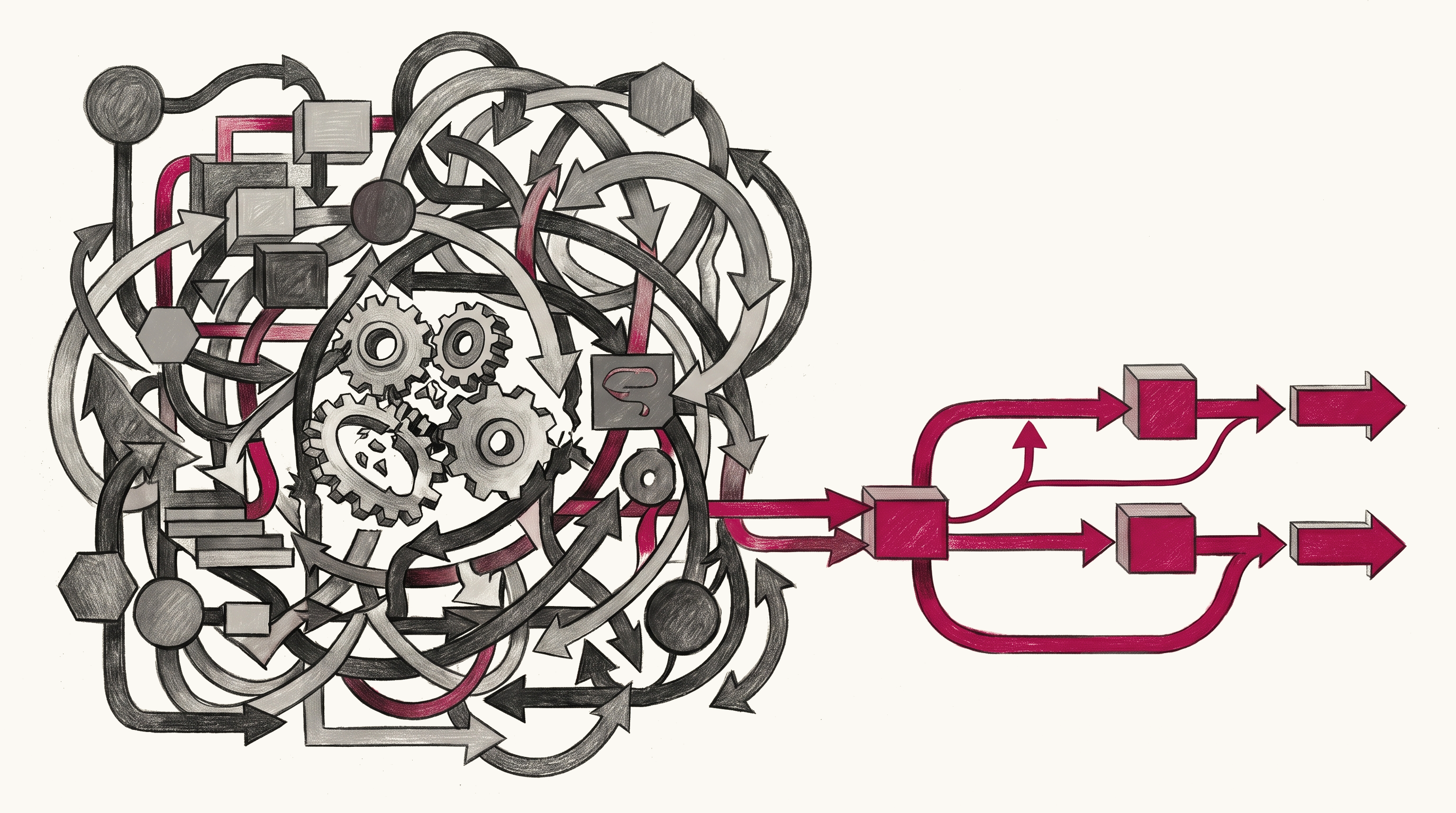
If workflow automation is so effective, why do so many implementations underperform? Most workflow automation failures have very little to do with technology and almost everything to do with strategy, process design, and execution. Here are the five most common reasons workflow automation projects fail.
1. Automating Broken Processes
This is one of the most expensive mistakes businesses make. Many organizations assume automation will fix inefficient operations. Automation doesn’t. It magnifies them instead. Imagine a purchase approval workflow that already requires six different approvals, includes unnecessary handoffs, and regularly gets stuck waiting for responses. Adding automation to that process won't eliminate the inefficiencies. It will only move the inefficiencies through the system more efficiently. The underlying problem remains.
This often happens because businesses skip process mapping and jump straight into software implementation. They focus on configuring tools before understanding how work actually flows through the organization.
As a result, they end up automating undefined workflows, duplicate tasks, redundant data entry etc. The result is what many automation experts refer to as "automated chaos."
Before introducing automation, businesses should document every step in the current process, identify where delays occur, remove unnecessary activities, and simplify workflows wherever possible. Only then should technology be introduced.
2. Trying to Automate Everything at Once
When businesses discover the potential of workflow automation, they become overly enthusiastic. Instead of starting small, many organizations attempt to automate multiple processes simultaneously.
This seems logical. I mean, if automation creates value, then automating everything should create even more value. However, while you appear to be progressing faster by quickly implementing automation, you're actually slowing down your real progress.
One Fortune 500 case cited in automation research captures this perfectly clearly: a company attempted a "big bang" rollout of workflow automation across every function. Within a year, the project stalled amid technical failures, employee resistance, and mounting costs. The post-mortem found poorly mapped processes, no human oversight, and an overwhelmed vendor team.
The ideal thing to do is start with one workflow, get it working, measure the results, and then scale.
3. Ignoring Employees During Implementation
One of the biggest misconceptions about workflow automation is that it's purely a technology project. It's actually a people project. When employees hear the word "automation," many immediately wonder what it means for their role, which is why 31% of teams cite labor displacement as a key concern when adopting automation and AI. About a third of employees believe they might need to obtain new skills due to changes in labour demand.
Companies often overlook the importance of training employees on new automated systems, expecting them to adapt quickly and without guidance. This lack of training can lead to confusion, mistakes, and frustration among staff who are not familiar with the new technology.
Your employees are an integral part of your workflow automation process.
4. Treating Automation as Set-and-Forget
Software vendors often market automation as something you configure once and never think about again. This is a very risky idea because businesses change constantly, processes evolve, and customers behave differently. Every automated process should have an owner responsible for reviewing performance, identifying issues, and ensuring the workflow still aligns with business objectives.
Workflow automation is a continuous improvement process, and to achieve long-term success with it, it must be treated as a living system that evolves alongside the organization.
5. Measuring Nothing
Perhaps the most overlooked mistake of all is failing to define success before implementation begins. Without having a clear understanding of what exactly you hope to achieve through automation, be it boosting productivity levels, achieving significant cost savings, or improving accuracy, there is a high risk of your automation efforts going south.
Without clear objectives and measurable outcomes, it's impossible to determine whether automation is creating value or not.
What Automation Looks Like When It Works
For all the horror stories about failed implementations, many organizations are getting it right. Surprisingly, the difference between success and failure is often surprisingly small. Take a mid-sized SaaS company struggling with customer onboarding. Like many growing businesses, they had embraced no-code automation to speed things up, yet customer onboarding kept experiencing duplicate records and delays. When the company finally stepped back and mapped its onboarding process, they found three redundant approval steps and restructured their workflow. This resulted in 40% faster onboarding time and fewer customer support escalations.
When workflow automation is implemented with a clear foundation, it yields remarkable results. Error rates for repetitive administrative work drop by up to 75% after automation is in place. Organizations report a 200% return on investment within the first year of adopting workflow automation technologies.
Employees estimate that automating tasks might save them 240 hours per year, while company leads feel that automating tasks could save them 360 hours per year. That is a significant time redirected toward work that requires human involvement.
Conclusion
Workflow automation is a multiplier, and like any multiplier, it amplifies whatever it touches. A clean, well-understood process gets faster and more reliable. Similarly, a messy, poorly defined one gets messier and harder to fix.
Successful workflow automation is about the people and the processes. For an effective execution, take a week to understand the processes you are automating before turning anything on.
TAGS:


Build what matters, with Gozade
Let's Talk

Gozade
Address 1
3rd Floor, 86-90 Paul Street, London, England, United Kingdom, EC2A 4NE
Address 2
SUITE E141, IKOTA SHOPPING COMPLEX, VGC AJAH LAGOS, NIGERIA
+2349032770671, +44 7873272932
Gozade builds smart digital solutions that help businesses grow and scale with confidence.
© 2026 Gozade. All rights reserved.